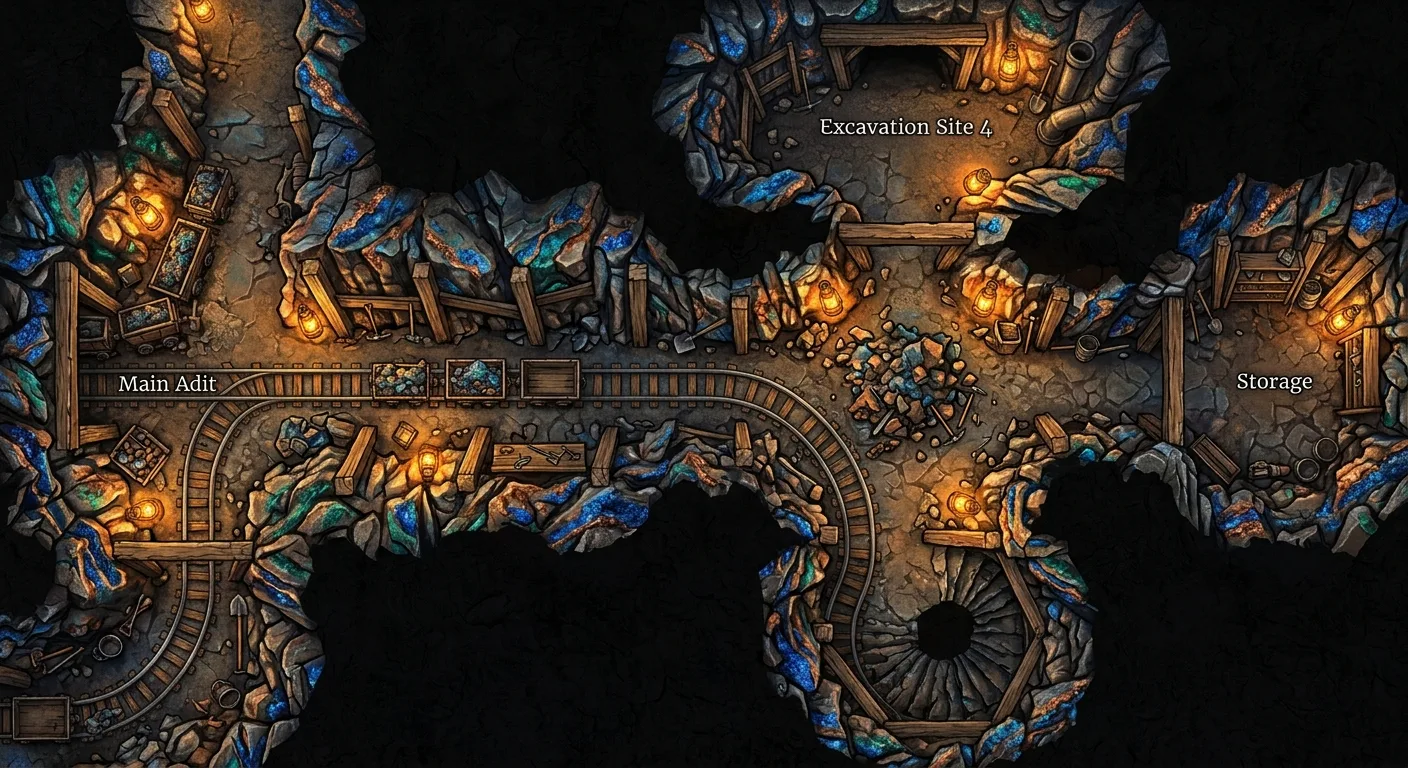
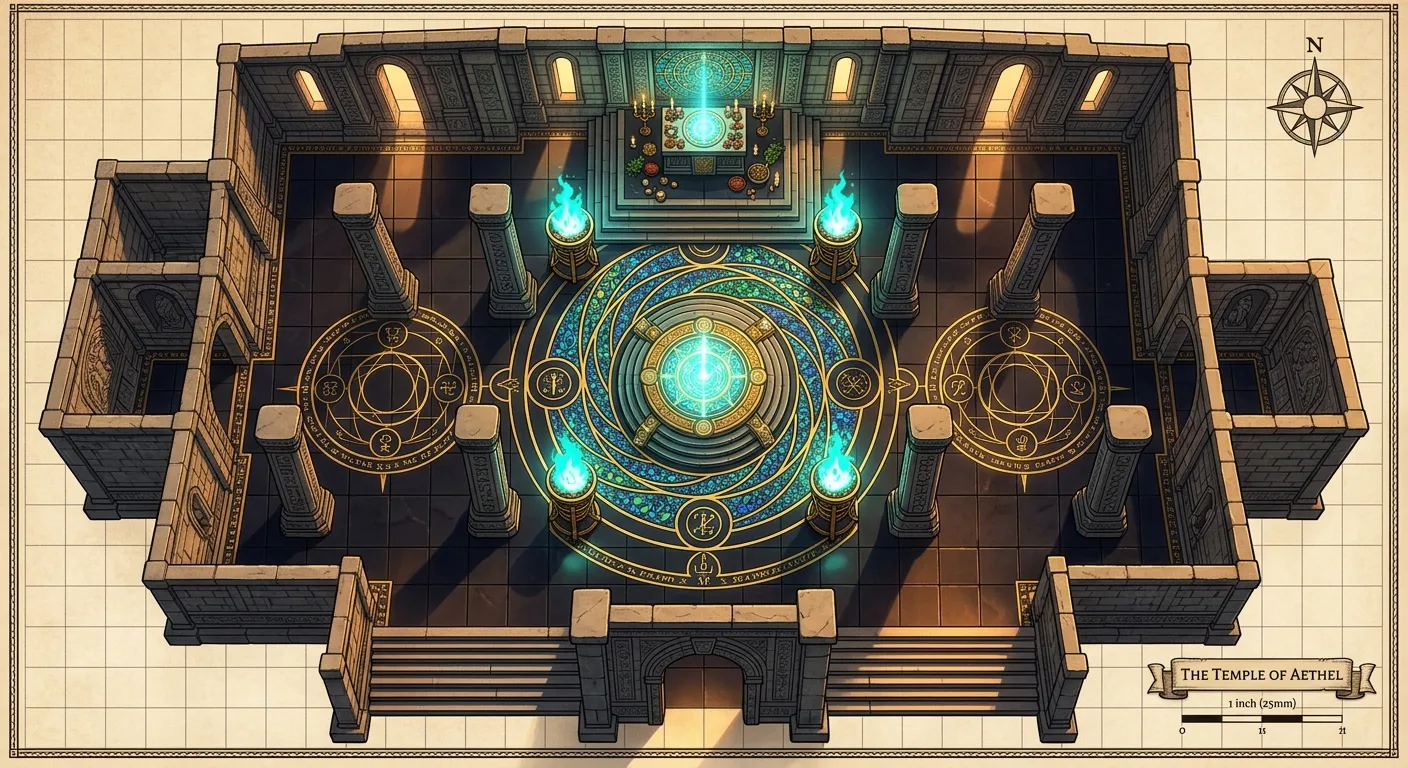
Paint a battlemap. Generate it.
TileForge composes large maps from many small generative decisions — each tile aware of its biome, its neighbours, and the story you're telling. Now you can drive it from the browser.
Local GPU run via the bundled FastAPI server. No backend? Click LIVE → MOCK in the panel header to demo the full UX.
The toolbox, in plain sight
Every technique below ships in the live tool. Open the painter, run a map, then follow any card to read the long-form explanation.
Wave scheduling
anchor-BFS picks the most-constrained tile first
Exterior anchor
Each new tile sees a 256-px strip of its rendered neighbour
IP-Adapter v2
Style locked at ipa=0.6 against a CLIP reference
Differential diffusion
Per-pixel timestep schedule for soft inpaint
Palette match
Free +0.55 on the seam-quality gate, runs CPU in <100ms
Tier-0 / VLM gate
Cheap pixel checks reject 70% of bad tiles before any AI
A map is a grid of creative decisions
Pick a biome per tile, sketch the features, let the neighbourhood constrain the rest.


Continuity is the creation
Rivers keep flowing. Roads keep running. Walls keep aligning. The painter asks each tile what its neighbours look like before generating, so features cross tile boundaries as one coherent motion — not jump-cuts.


Water, bank, and flow direction are conditioned at each tile edge so the river reads as one continuous feature.
How generation works
Six stages from a blank canvas to a finished map. Most of the creative choice happens in the first two — the rest is the engine.
Ready to make a map?
The painter runs locally on your GPU via a small FastAPI server. No backend yet? Toggle MOCK in the panel and watch a scripted run.